
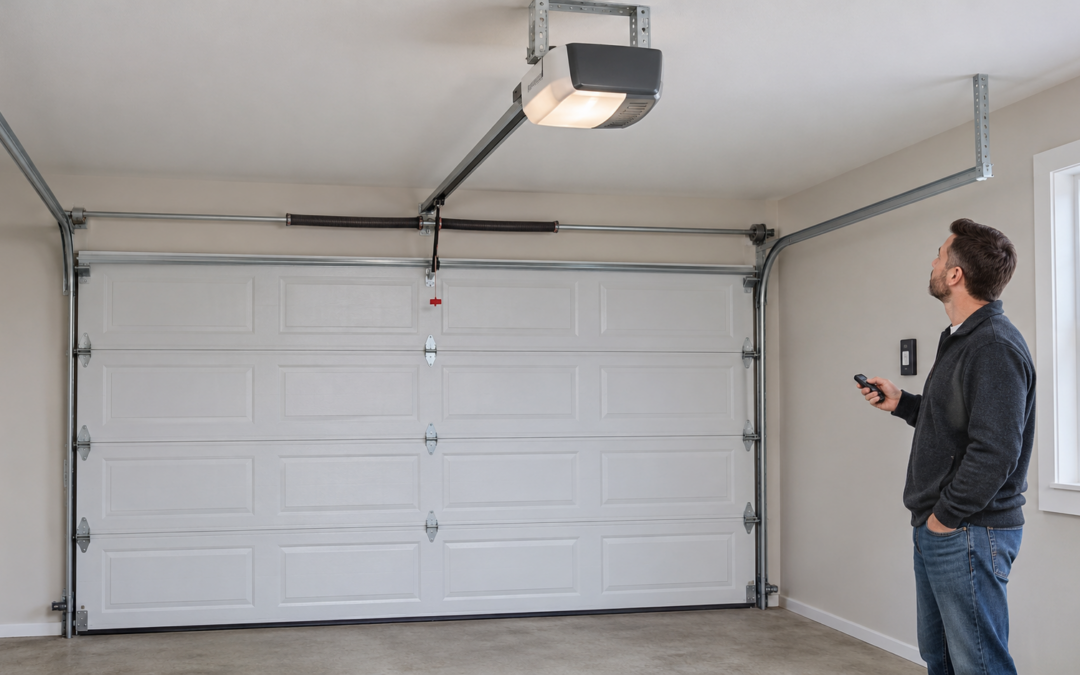
If your garage door opener is not working, first check whether the problem affects the remote, wall control or both. A remote-only failure points you toward the remote or its settings; a door that opens but will not close calls for a check of the doorway and safety sensors. Stop testing if the door is crooked, a cable is loose or the opener strains without moving the door.
Those observations help you decide what to check safely and what to tell a technician. They do not prove that the motor needs replacing. Amigo Door provides opener repair in Ottawa, including diagnosis of opener problems and repair or replacement where needed.
Start with the symptom, not a reset
Before pressing the button again, look at the door from a safe distance. Keep people, pets and vehicles clear of its travel path. If there is visible damage, leave the door alone and arrange service.
For a door that appears intact, use this starting guide:
| What you notice | Where to start | When to stop |
|---|---|---|
| Wall control works; one remote does not | Remote battery, lock setting and model-specific pairing instructions | The remote still fails after the appropriate simple checks |
| Neither wall control nor remote responds | Signs of a power interruption and any displayed error message | Damaged wiring, burning smell or repeated electrical trips |
| Door opens but will not close | Objects in the doorway and the safety-sensor beam path | The path is clear but the door continues reversing or refusing to close |
| Motor runs, but the door stays still | Observe whether anything is visibly disconnected or damaged | Do not keep cycling the opener or try to lift a damaged door |
| App fails, but the physical controls work | Network connection and app status | A separate movement or safety problem appears |
Avoid a factory reset as your first step. Depending on the model, it can erase settings or paired controls without addressing the cause. Record any diagnostic lights or error message before changing anything.
The wall button works, but the remote does not
If the wall control operates the door normally, start with the remote rather than assuming the whole opener has failed. Check its battery using the battery type and fitting instructions specified for that remote. If you have another already-paired remote, compare its response while keeping the door in view.
Some wall controls have a lock feature that disables remote operation. Check your model’s manual for the meaning of its lock indicator and the correct way to change that setting. Do not assume every flashing wall-button light means the same thing.
For example, if a second remote works but the first does not, that is useful information for a service enquiry. It narrows the investigation toward the first remote without proving whether the cause is its battery, pairing or hardware.
If pairing is needed, use the instructions for your exact opener and remote. Our remote programming guide covers that separate task. Avoid holding an unfamiliar Learn button: its function depends on the model and how long it is pressed.
Neither the remote nor the wall control works
Look for a recent power outage, an unlit control panel or an error message. From a safe position, check whether the opener’s plug appears connected. Do not climb on the door, tracks or stored items to reach it.
A dark light alone does not establish that the opener has no power; the bulb itself may be faulty. Likewise, a lit control does not establish that the motor and door mechanism are working correctly. Note which lights, sounds and controls still respond.
Do not open the motor housing or disturb wiring to investigate. If there is a burning smell, damaged electrical equipment or a breaker that repeatedly trips, stop using the equipment and arrange appropriate professional help. A garage door service visit is not a substitute for resolving a fault in the home’s electrical supply.
The door opens but will not close
Check the doorway and sensor path
Move loose objects out of the doorway and away from the safety sensors near the bottom of the tracks. A storage bin, broom or windblown debris can interrupt the beam even when the centre of the opening looks clear. In winter, also look for accumulated snow in the opening.
Inspect the sensor lenses for surface dirt and note whether their indicator lights are steady, off or flickering. Consult the opener manual before cleaning or adjusting anything. Sensor colours and diagnostic patterns vary, so a generic blink count is not a reliable diagnosis for every opener.
If the path is clear and the problem continues
Persistent failure may involve alignment, sensor wiring, the sensors themselves or another door-system fault. Do not bypass the sensors or increase closing force to make the door shut. If the door reverses again after a visible obstruction is removed, stop repeated testing and request an assessment.
Amigo Door offers sensor repair and replacement alongside opener repairs. Describe the symptom and lights rather than ordering a replacement sensor before the cause is known.
The opener runs, but the door does not move
This symptom needs particular care. An opener can make noise without successfully moving the door, and the cause may involve the drive connection or the door’s springs, cables or tracks. Motor noise alone cannot identify the failed component.
Stop if the door is tilted, a cable is hanging loose, or the problem began with a loud bang. Our broken spring guide explains one possible cause and the signs to report. Do not repeatedly operate a straining opener, force the door upward or pull the emergency-release cord on an open or damaged door. A door that is not properly supported can fall.
Leave spring adjustments, cable work, track repairs and drive-mechanism repairs to a trained technician. Amigo Door’s repair services cover springs, cables and tracks as well as openers. Tell the service team whether the motor hums, the drive moves, the door moves slightly or nothing moves at all. Only report what you can observe safely.
The app is offline, but the door works normally
When the wall control and handheld remote operate the door normally but an app does not, investigate connectivity separately from the lifting mechanism. Note whether the problem followed a router change or loss of internet service, and check the app’s displayed status.
Our Wi-Fi setup guide is the next step for connection-specific questions. If physical operation also fails, return to the relevant symptom above instead of treating it only as a Wi-Fi problem.
When to arrange repair or discuss replacement
Arrange service when simple observational checks do not resolve the issue, the fault keeps returning or the door shows mechanical damage. Before calling, gather the opener brand and model if accessible, which controls work, any error message and when the problem started. Photographs taken from floor level can help describe visible issues; do not climb or remove covers just to collect them.
Replacement is not automatically necessary because a remote or sensor stops working. Ask for a diagnosis and an explanation of the proposed repair. If replacement is recommended, discuss compatibility with the door, controls and features you need. Amigo Door also provides opener installation and replacement. Browse the LiftMaster openers for options to discuss with the installer; the right choice depends on your door and intended use.
If you live outside central Ottawa, check our service areas and confirm your address when arranging a visit.
For help with a garage door opener that is not working in Ottawa, contact Amigo Door or call 613-821-2898. Describe what happens when you use the remote and wall control so the team can advise on the next step.
Recent Comments